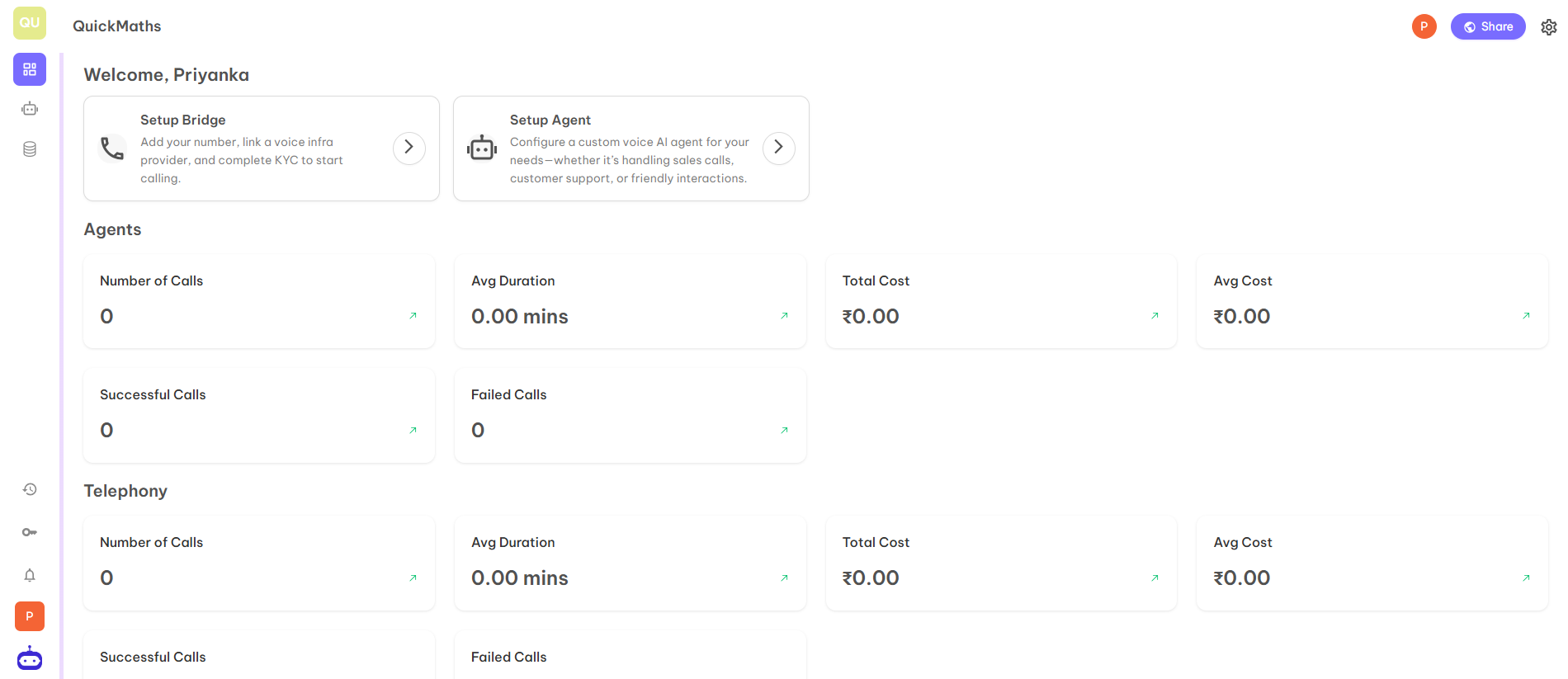
Step 1: Visit Unpod Dev Website
Open https://unpod.ai/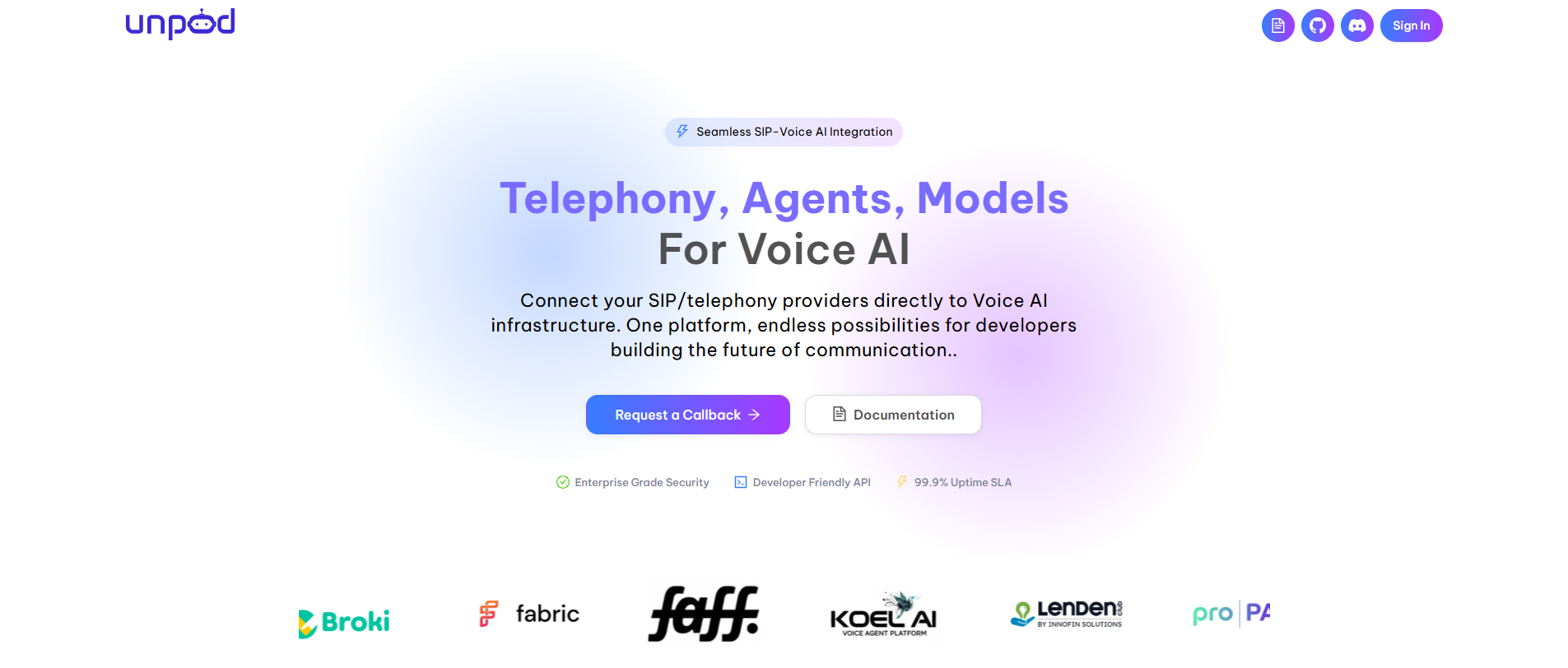
Step 2: Click on Sign IN option.
Now you can login on the dashboard and access the dashboard completely.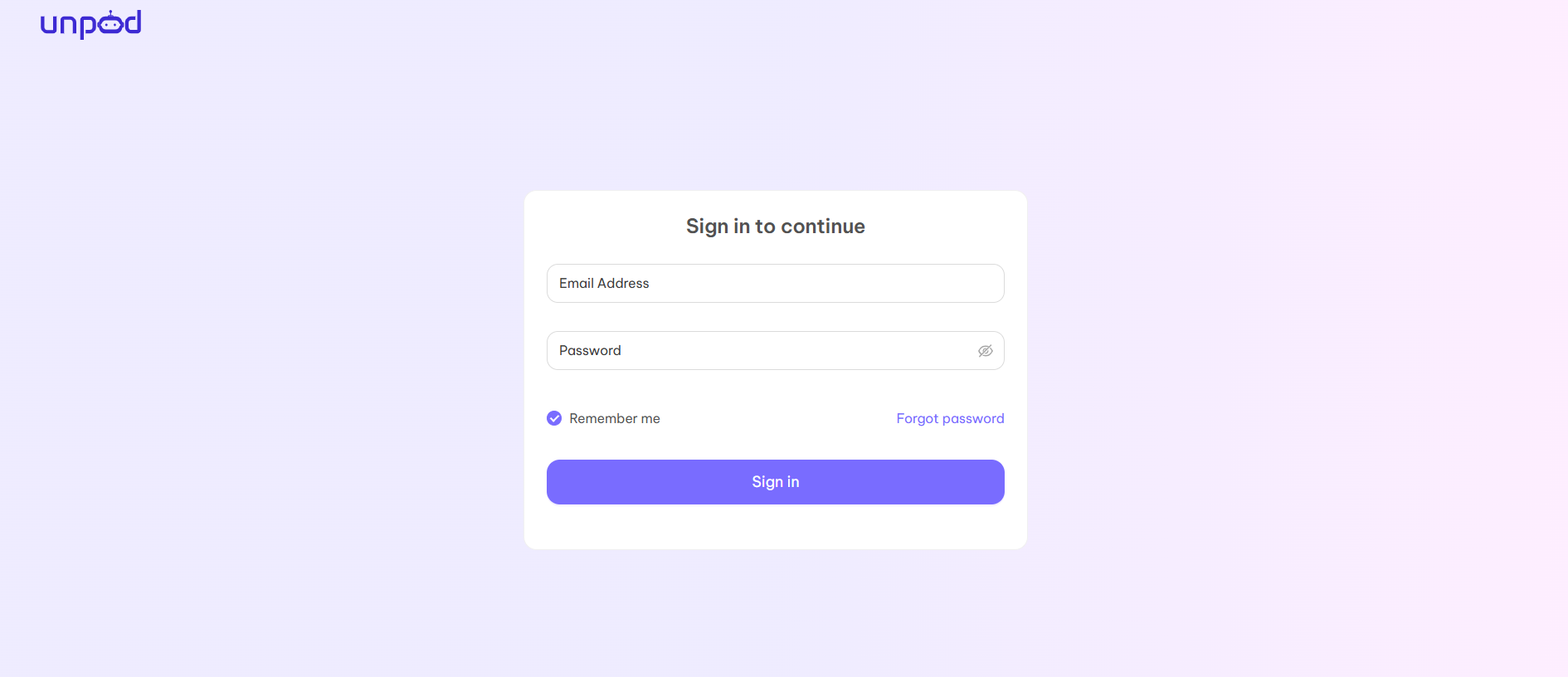
Step 3: Complete your Profile
When you login for the first time, you will be redirected to the below page to create a hub for your organization.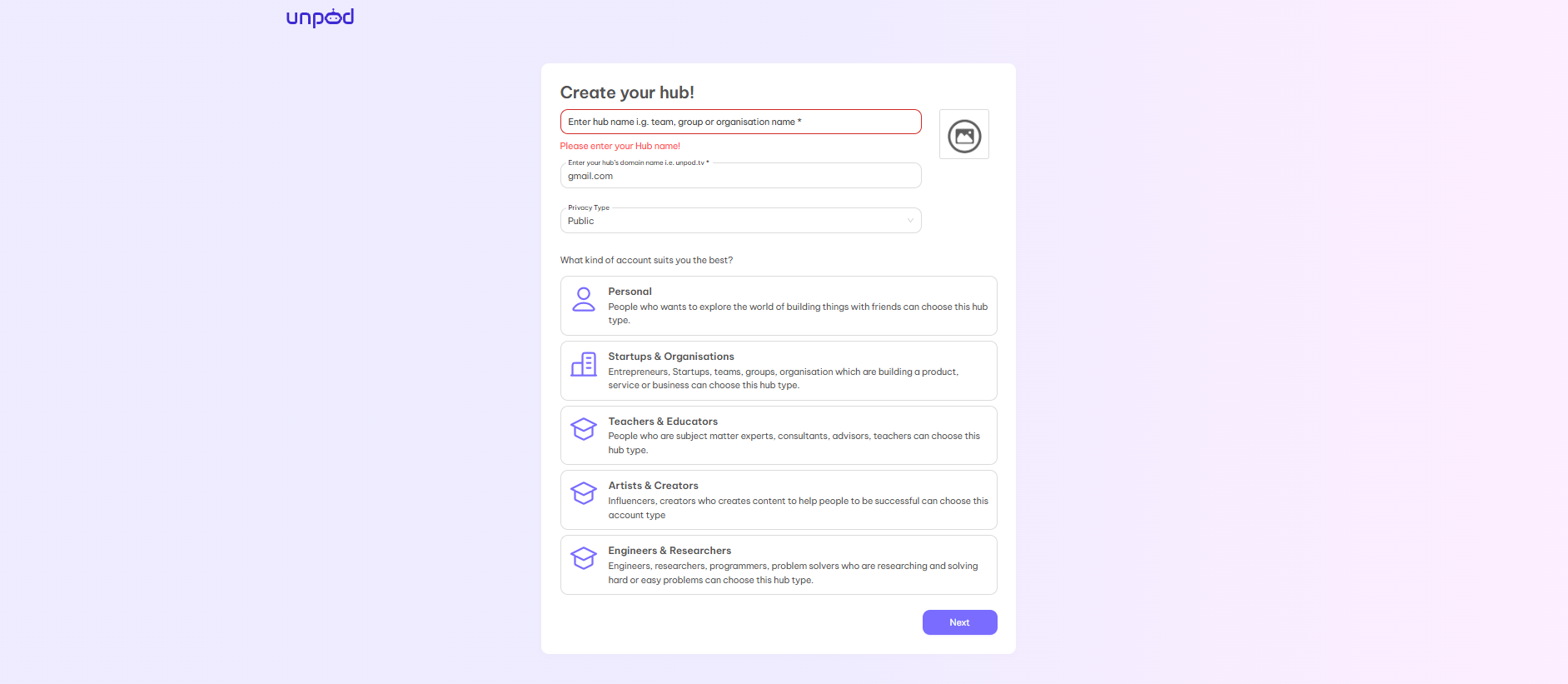
- Enter Hub Name — Choose the name of your organization or choose any name that best suits your requirements and organization.
- Domain Name — Your personal domain name just like gmail.com, yahoo.co, etc. You can choose the domain name from the mail id you are using or make the organization’s name as the domain name like maths.com, music.com, etc.
- Privacy Type — There are two options - Public and Private. If you choose public then your hub will be visible to everyone whereas if you choose private then your hub is only visible to people inside your domain.
- Type of Account — You can choose the type of account according to your requirement from the given five options:
Startups and Organisations
Teachers & Educators
Artists & Creators
Engineers and Researcher After completion of all steps, you will be redirected to your organisation’s hub.
Step 4: The hub will look like below